Your own digital mind.
Talk to it, drop in photos and videos, jot things down. It remembers all of it, and it helps you make sense of it. Nobody else can see it.
You can start right here. We’ll ask you to sign in before anything is sent.
Put your life in, however it comes.
You don’t have to write anything if you don’t feel like it.
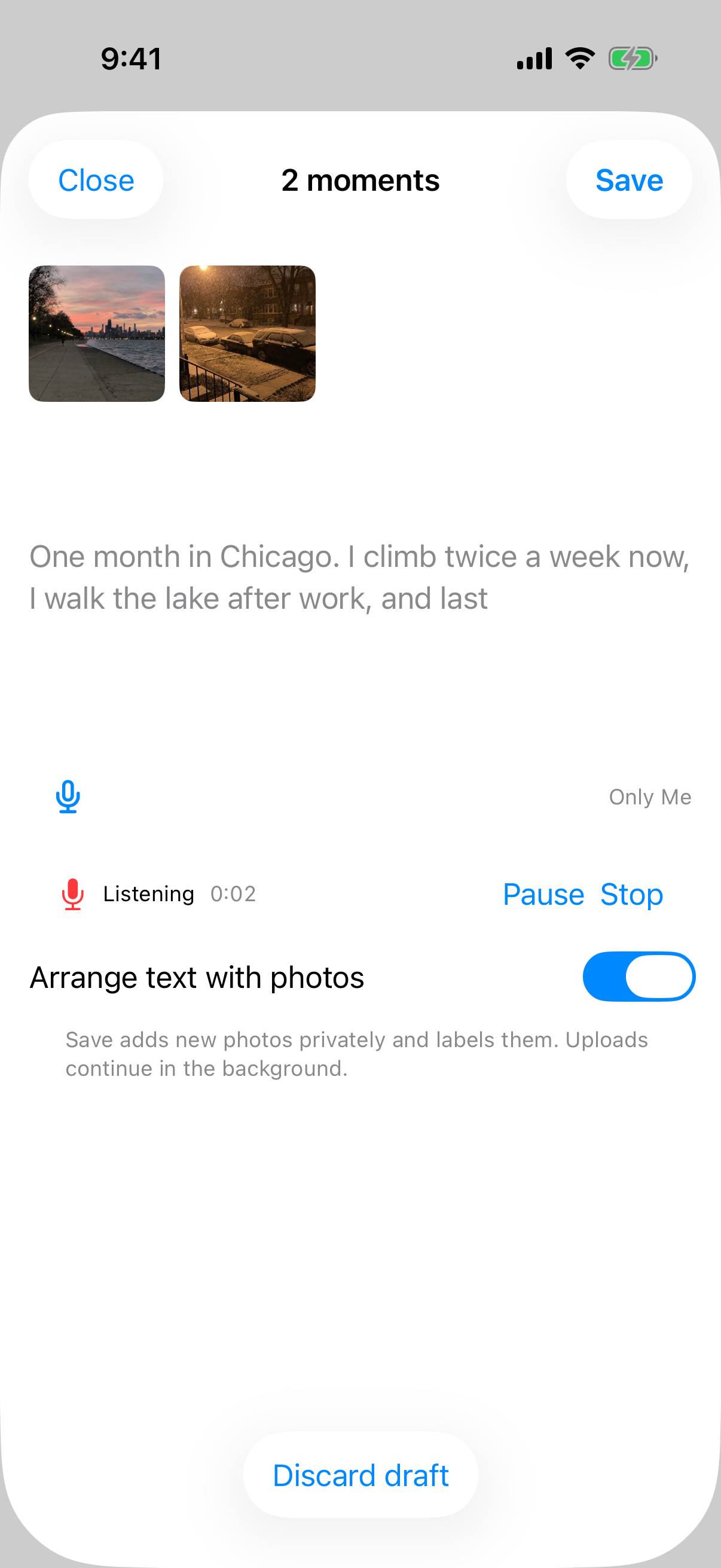
- 01 / Photos and videos
Pick a few photos and say what was going on.
They go into your Mind with your voice memo attached, so you’ll know why they mattered.
- 02 / Voice
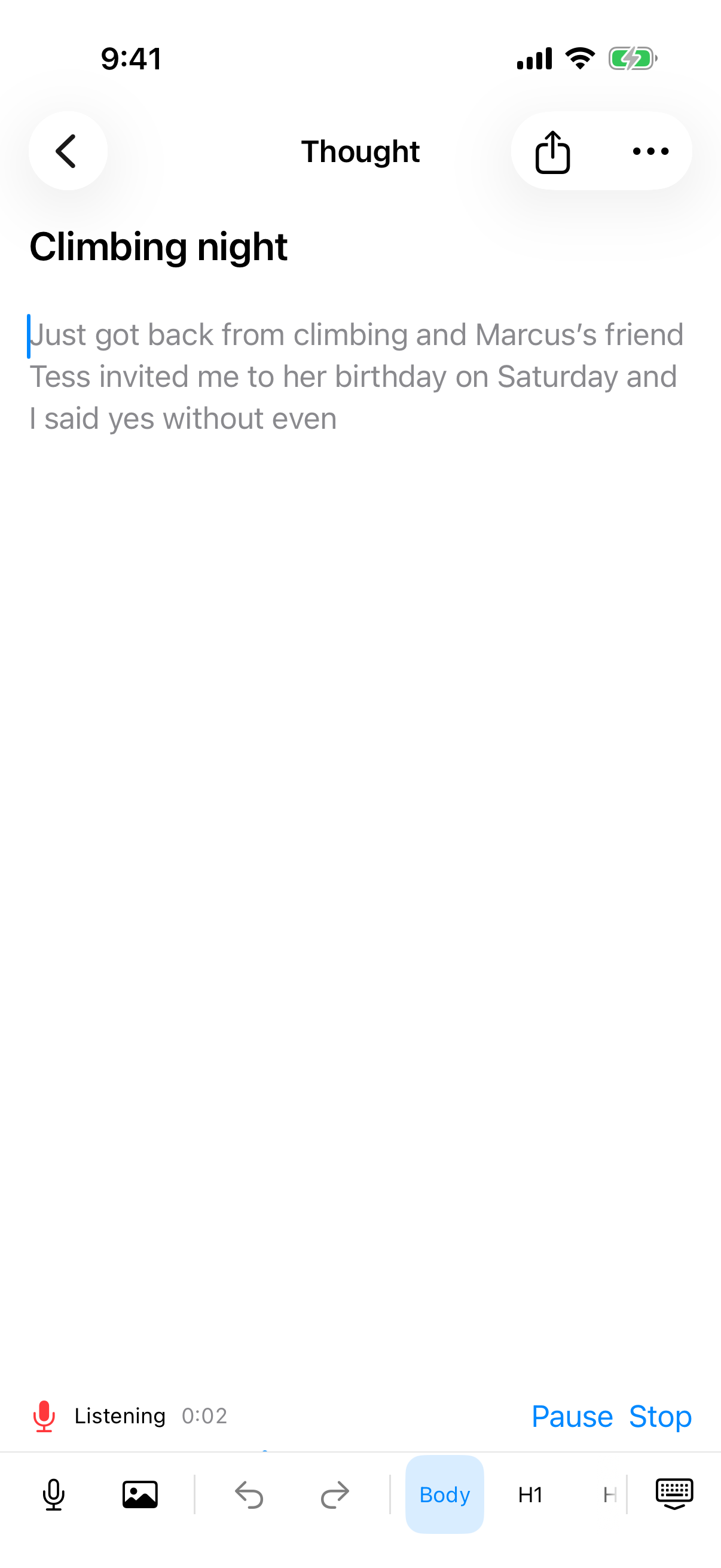
Just talk.
Hit the mic and it turns into text while you speak. Fix a word whenever you like.
- 03 / Notes
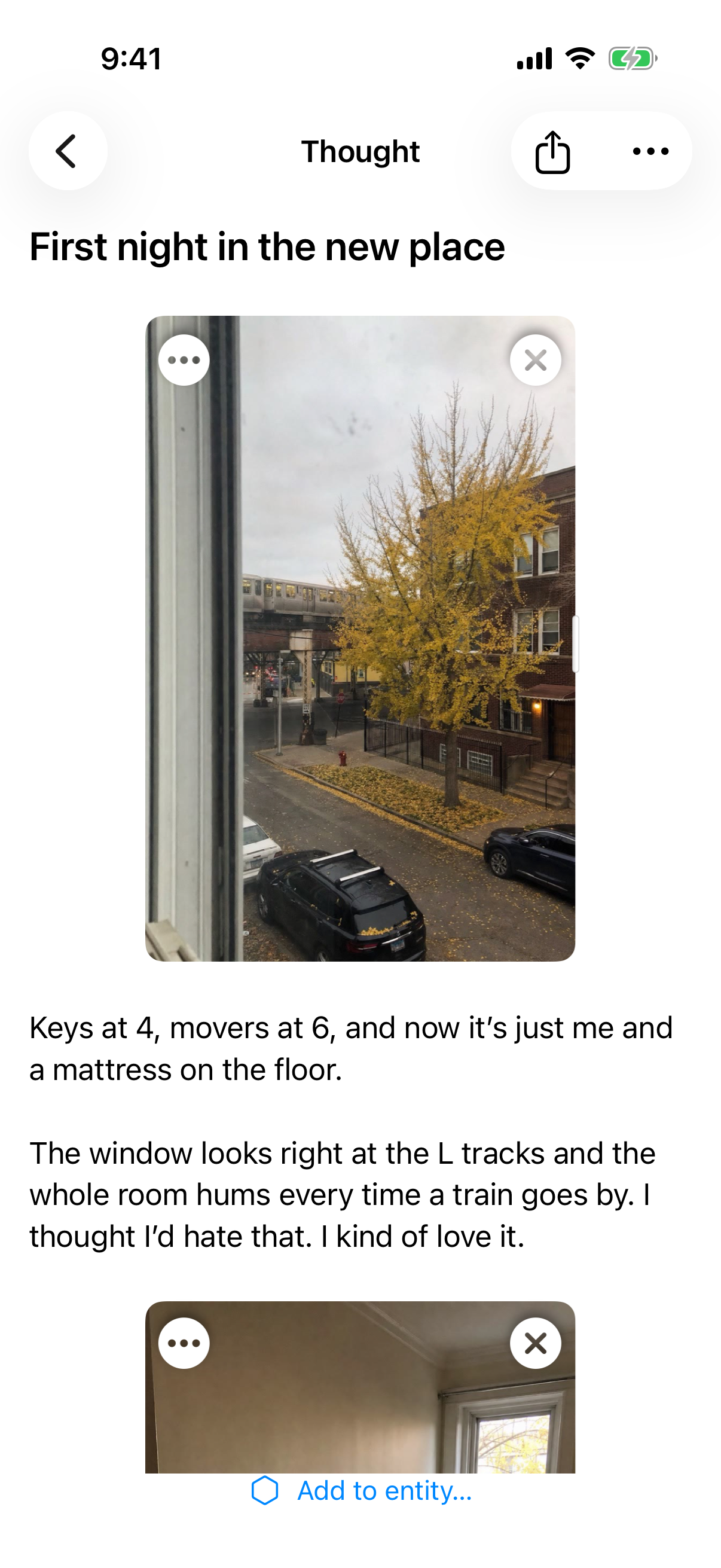
Or write it down.
Maya writes down her first night in the new apartment, photos and all.
Then make sense of it together.
Your Mind has read everything you’ve put in, so it can help you think.
- 04 / Talk it through
Figure out how you feel about something.
Tell it what happened and think it through out loud, the way you would with a friend.
- 05 / Ask
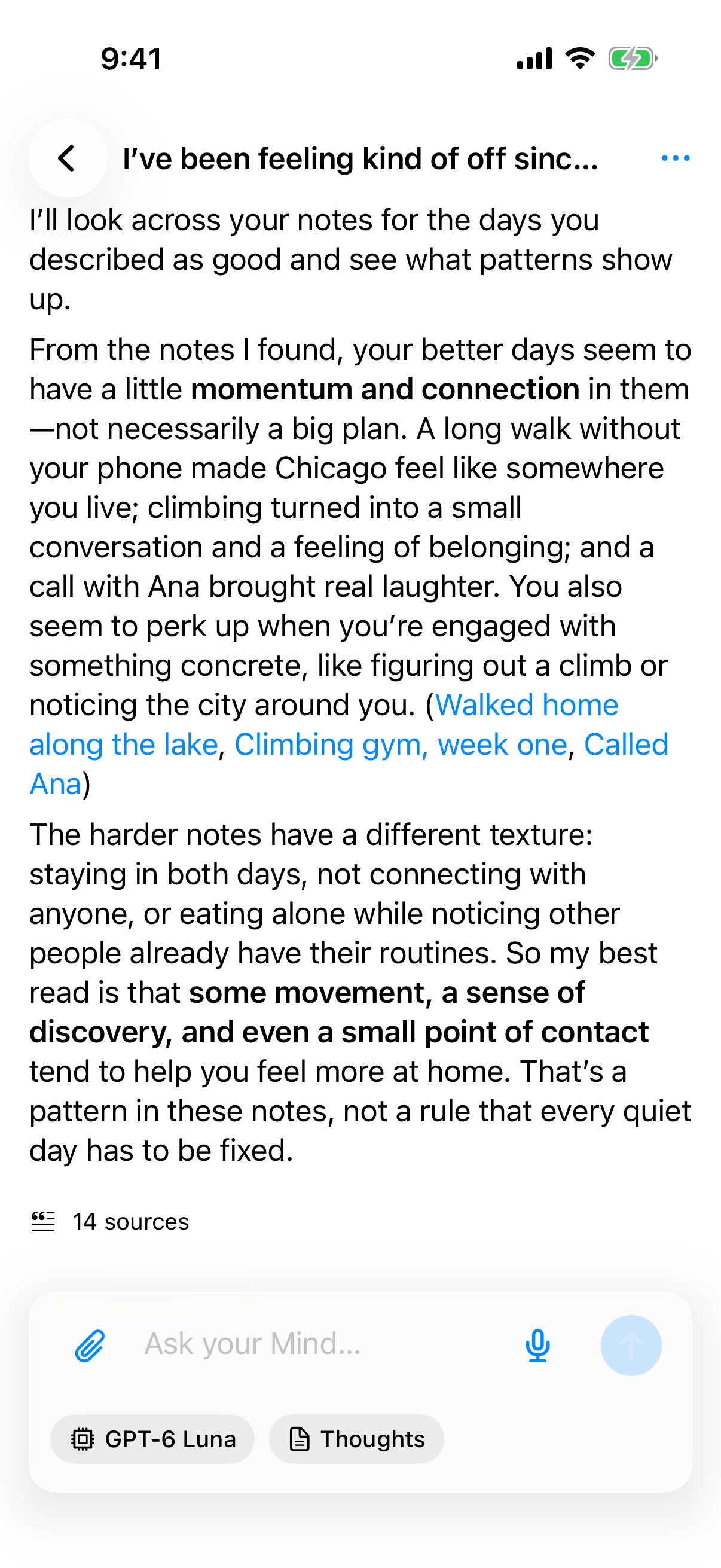
Ask about your own life.
It answers from your photos, notes and memos. Tap a source and the note it came from opens.
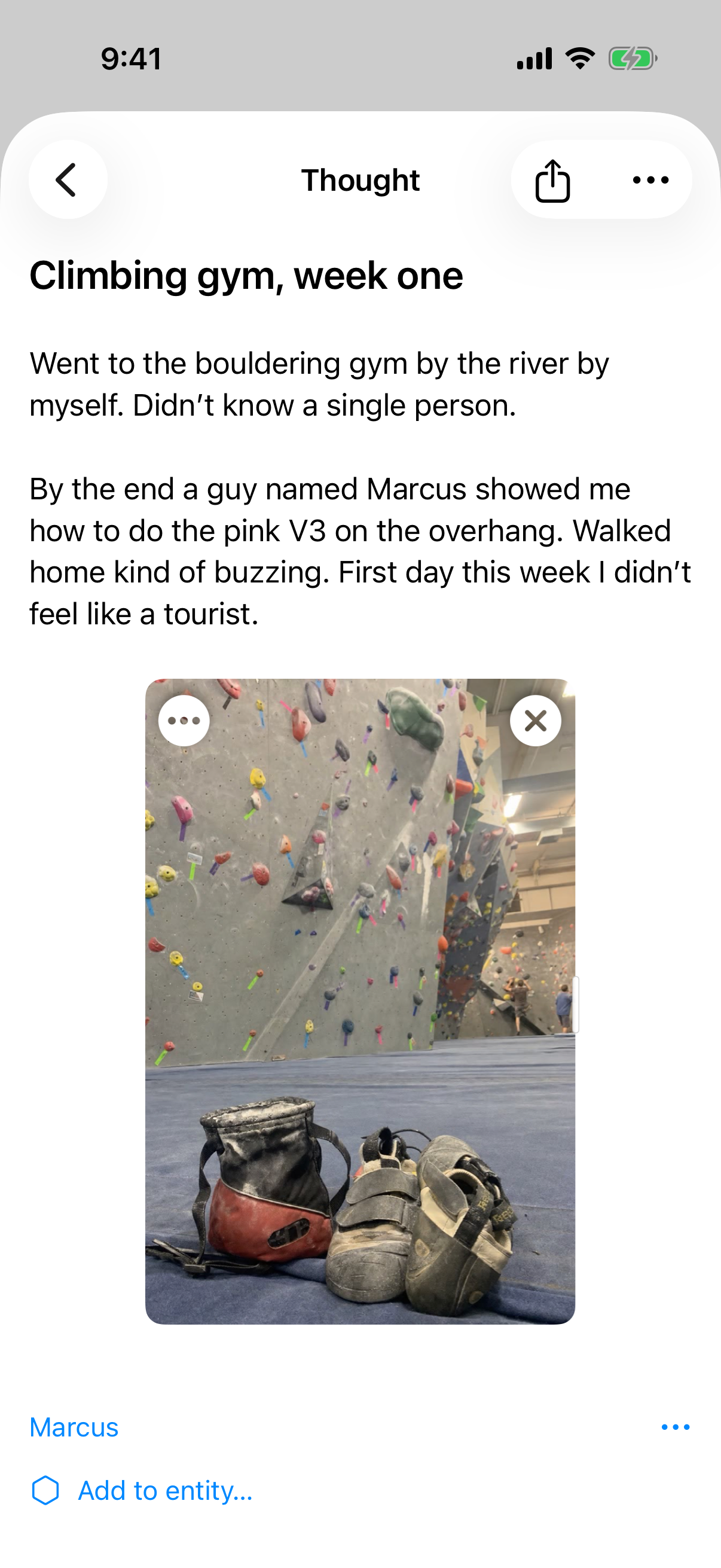
- 06 / Do
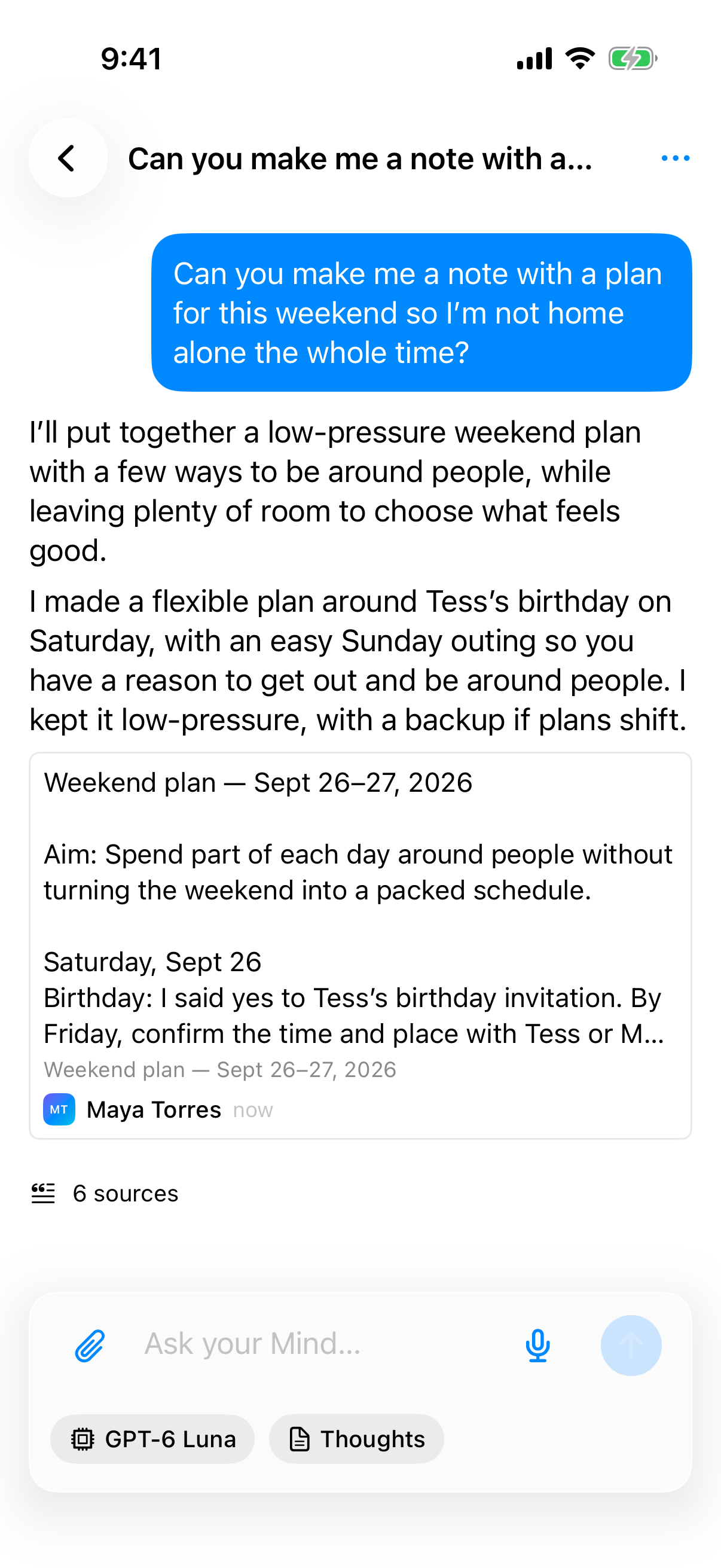
Have it do the busywork.
Ask for a plan and it writes one into your notes, then tells you exactly what it did.
Turn a weekend of photos and clips into a short film.
Recollections is our Mac editor. Drop in photos and clips, cut them on a timeline, or ask for a first cut and fix what you don’t like.

Beta 0.1.0 · Apple Silicon, macOS 26.4 or later · 201 MB
On an older macOS? Update it in System Settings, under General, then Software Update. Your clips stay on your Mac until you choose to upload them.
Nothing here gets shared by accident.
Sharing is a separate step, and so is letting your Mind do something for you.
What stays private, and what doesn’t